
Where Your Money Actually Goes: Mapping a Month of Spending

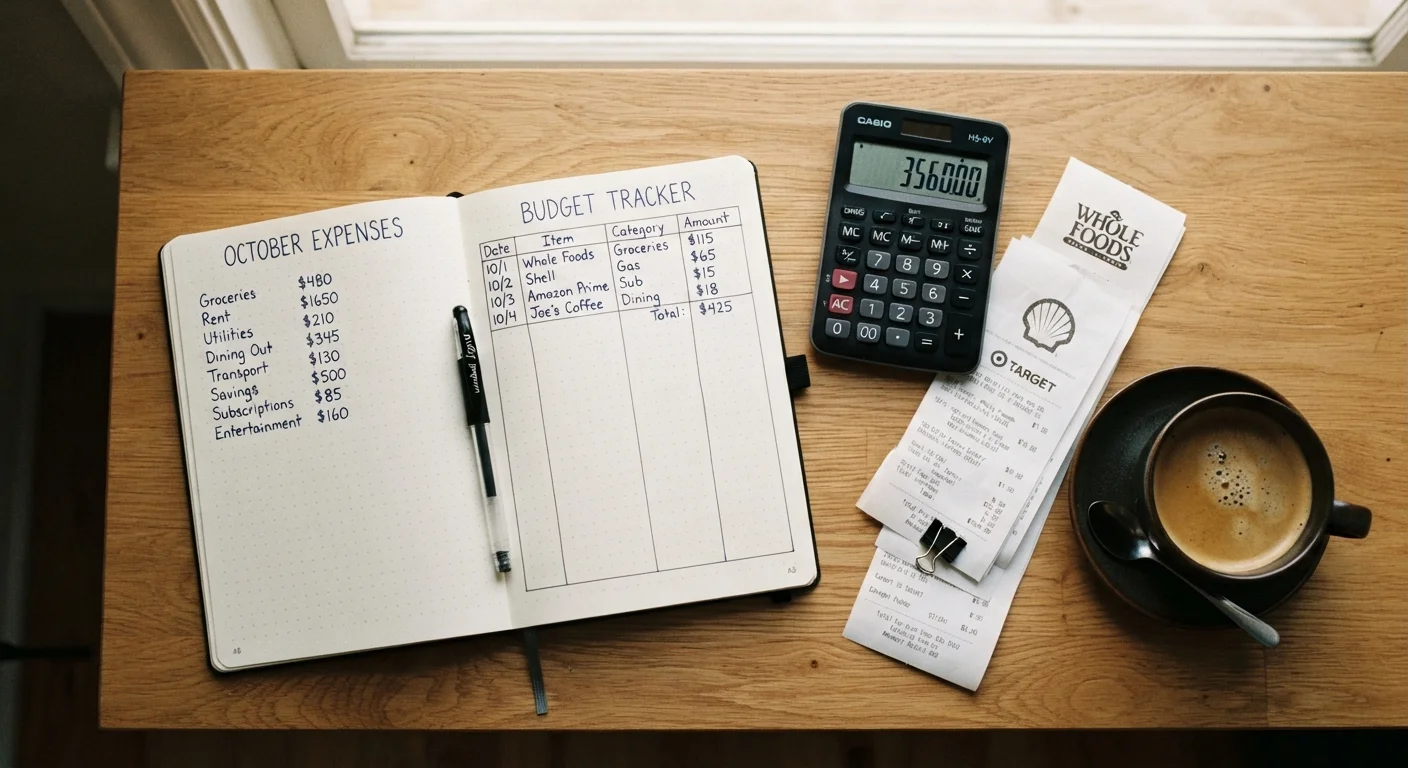
Photo: NemoFinds.com | Search, Explore, Read. editorial
Key Takeaways
- Tracking every transaction for one month gives you an accurate picture of actual spending habits.
- Most people underestimate irregular and subscription expenses until they see them written down.
- Grouping transactions into categories reveals where small leaks quietly drain your budget.
- A single month of data is enough to build a realistic, evidence-based spending plan.
- The goal is clarity, not judgment — spending maps are tools, not report cards.
Why Mapping Comes Before Budgeting
Most budgeting advice starts with setting limits — spend no more than X on groceries, Y on entertainment. The problem is that those limits are usually guesses. Without knowing what you actually spend today, any targets you set are fiction dressed up as a plan.
A spending map is different. It's a backward-looking exercise: you reconstruct one full month of real transactions and see, in concrete numbers, where every dollar went. No assumptions. No averages borrowed from someone else's life. Just your own data.
This single exercise tends to surface two or three surprising patterns for almost everyone who does it — an auto-renewing subscription that went unnoticed, a dining-out total that's quietly doubled, a category like personal care that was never counted at all. Those surprises are valuable. They tell you where your budget needs to reflect reality, not optimism.
Once you have a complete spending map, you're equipped to build something durable. For a structured look at what comes next, the complete personal budgeting guide covers how to move from a spending snapshot to a long-term financial habit.
Bank and credit card statements
Primary data source for capturing every transaction made during the month.
Spreadsheet (e.g., Google Sheets or Excel)
Organizes transactions into categories and auto-calculates totals by group.
Notebook and pen
Alternative low-tech option for logging and grouping expenses by hand.
Budgeting app (e.g., a free aggregator app)
Automatically imports and categorizes transactions, reducing manual entry.
Highlighters or color-coded pens
Visually separates fixed, variable, and discretionary spending on printed statements.
How to Map Your Month
The steps below walk you through gathering your data, categorizing every transaction, and drawing meaning from the totals. Set aside 30–60 minutes, gather your statements, and work through each step in order.
What you will need
Pull together every account statement
Gather statements — digital or printed — from every account you used over the past 30 days: checking accounts, savings accounts, all credit cards, and any payment apps like Venmo or PayPal. Missing even one account creates blind spots. Log in to each institution's online portal and download or screenshot the full transaction history for the period.
List every transaction without filtering
Transfer each transaction into your spreadsheet or notebook exactly as it appears — amount, date, and merchant name. Do not skip anything, no matter how small. A $2.99 app charge and a $400 rent payment both belong on the list. Resist the urge to justify or exclude items at this stage; the goal is a complete raw record.
Assign each transaction to a spending category
Create broad categories that reflect your real life: Housing, Utilities, Groceries, Dining Out, Transportation, Health, Subscriptions, Personal Care, Entertainment, Savings/Transfers, and Miscellaneous. Assign every transaction to exactly one category. When a purchase straddles two (a pharmacy visit with both medicine and cosmetics, for example), assign it to the dominant purpose or split the amount.
Watch especially for subscriptions — streaming services, cloud storage, gym memberships, news apps — which often go unnoticed because they charge automatically. For a broader view of costs that commonly slip through, see spending categories most budgets overlook.
Total each category and calculate percentages
Sum all transactions within each category. Then divide each category total by your net monthly income (take-home pay) and multiply by 100 to get a percentage. This converts raw dollar amounts into proportions, making it easy to see whether, say, dining out represents 5% or 20% of what you bring home each month.
Identify your fixed versus variable spending
Mark each category as fixed (the same amount every month — rent, loan payments, insurance premiums) or variable (amount changes — groceries, fuel, dining, entertainment). Fixed costs are your floor: they don't flex easily. Variable costs are where most adjustment room lives. This distinction is essential before building any forward-looking spending plan.
Note patterns, surprises, and gaps
Review the completed map and write down two or three observations: Which category surprised you most? Were there any transactions you couldn't immediately place? Did any recurring charges appear that you'd forgotten about? These honest observations are the raw material for a realistic budget. Jot them down alongside your totals — they'll matter when you sit down to plan next month.
Consistency Beats Perfection
Cash Transactions Are Easy to Miss
This Is a Snapshot, Not a Budget
What to Do With Your Spending Map
Once your map is complete, you have a factual baseline. A few practical next moves:
- Flag categories that exceed your comfort level. There's no universal right number for dining out or entertainment — but you'll know intuitively if a category feels out of proportion to the value it delivers.
- Identify automatic charges to audit. Subscriptions and recurring fees are worth reviewing annually. Canceling services you no longer use is one of the fastest no-effort adjustments available.
- Check for missing categories. If a category total seems suspiciously low, cross-reference with spending categories that most budgets overlook — it's common to undercount pet costs, personal care, and irregular household expenses.
- Save your map for comparison. Run this exercise again next month. Two months of data reveals trends; a single month is a baseline.
When you're ready to turn your map into a month-ahead plan, use the monthly budget health check to review what worked and carry those lessons forward.
This article is for general informational and educational purposes only and does not constitute personalized financial advice. For guidance specific to your situation, consider consulting a qualified financial professional.
The content on this site is for informational purposes only and is not a substitute for professional advice. Always consult a qualified professional for guidance specific to your situation.