
Things to Check Before You Set Up a New Device

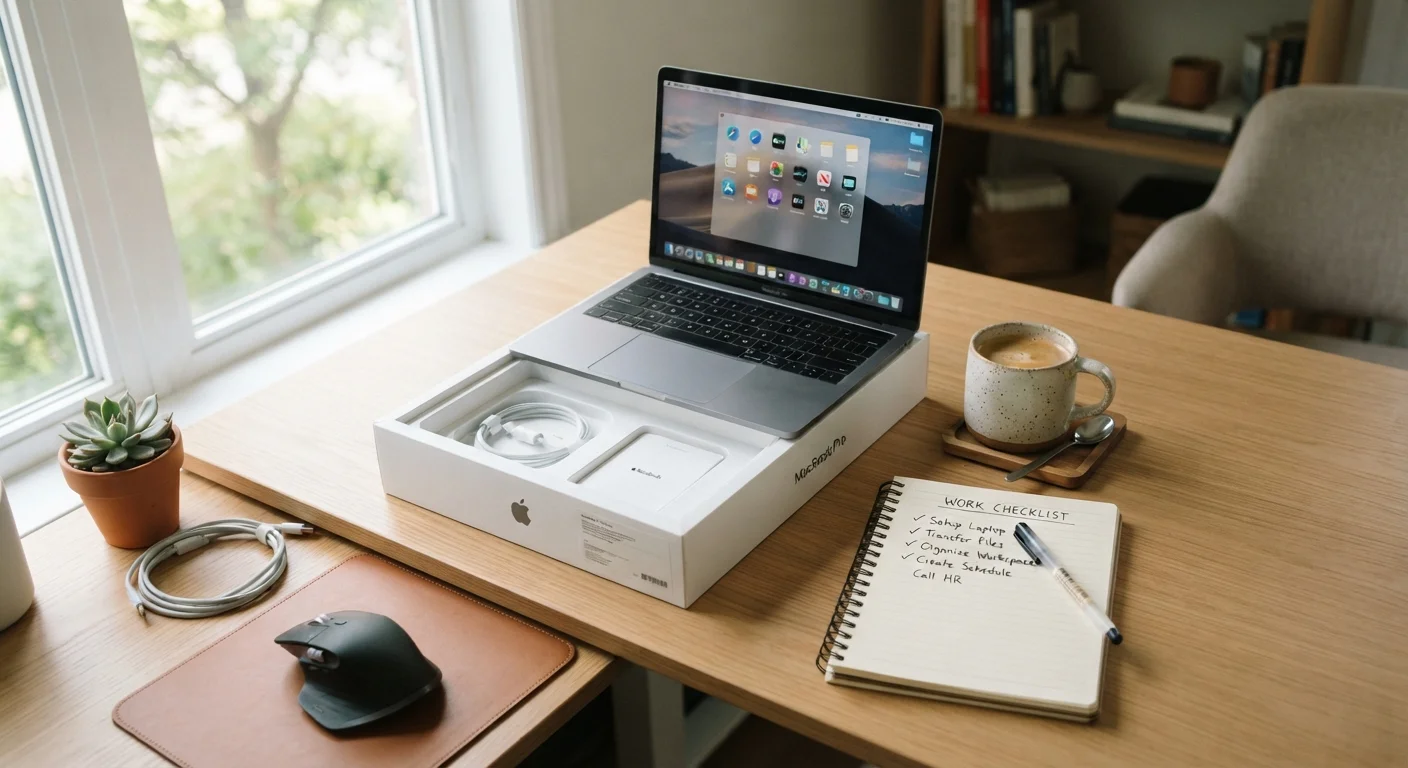
Photo: NemoFinds.com | Search, Explore, Read. editorial
Key Takeaways
- Check the box for damage and verify contents before powering on any new device.
- Installing software updates immediately closes known security vulnerabilities.
- Creating a strong, unique account password and enabling two-factor authentication are non-negotiable first steps.
- Review privacy and data-sharing settings before connecting to any service.
- Back up your device once initial setup is complete — not after something goes wrong.
Why a Pre-Setup Checklist Actually Matters
Most people tear open the box, plug in the device, and tap through setup prompts as fast as possible. That's understandable — new hardware is exciting. But those first few minutes are also when you make decisions that affect your security, privacy, and long-term experience with the device.
Skipping steps like enabling two-factor authentication or reviewing default privacy settings doesn't just create minor inconveniences. It can expose your accounts, your data, and in the case of connected home gadgets, your household, to real risk. If you're adding a smart home device to your setup, our guide on smart home devices and privacy goes deeper on what data these products collect and what you can do about it.
This checklist is designed to be universal — it applies whether you're setting up a smartphone, laptop, tablet, smart speaker, or streaming device. Work through it once and you'll build habits that make every future setup faster and safer.
Password Manager App
Generates and stores strong, unique passwords for every account you create during setup.
Authenticator App
Provides time-based one-time codes for two-factor authentication, more secure than SMS codes.
Cloud Backup Service
Automatically backs up device data so you can restore it if something goes wrong.
External Hard Drive or USB Drive
Provides a local backup option independent of any cloud subscription.
The Full Setup Checklist
Work through these groups in order. The first two groups happen before you even power the device on; the rest walk you through setup in a logical sequence.
Before You Power On
Network and Power Setup
Accounts and Authentication
Software Updates and Security
Privacy and Permissions
Backup and Recovery
Don't Skip Updates on Day One
If you're setting up a new device as part of furnishing a first home, you may also find our room-by-room guide helpful: Setting Up a First Home: What to Prioritize Room by Room.
A Note on Accounts and Long-Term Security
One of the most common mistakes people make during device setup is reusing the same password across multiple accounts. If one service is ever breached, attackers can use that password to access your other accounts — a technique called credential stuffing. Use a unique, strong password for every account you create or sign into during setup. A password manager (a dedicated app that stores and generates passwords) makes this practical without requiring you to memorize dozens of strings.
Two-factor authentication (2FA) — which requires a second verification step, such as a code sent to your phone, in addition to your password — adds a meaningful layer of protection. Enable it on every account that supports it, prioritizing your email and any account tied to payment information.
Password Reuse Is the Most Common Security Mistake
Before you ever buy a device, it's worth asking whether you truly need it and what privacy trade-offs come with it. Our pre-purchase checklist can help you think through the decision clearly before you spend.
The content on this site is for informational purposes only and is not a substitute for professional advice. Always consult a qualified professional for guidance specific to your situation.