
Keeping a Car Maintenance Log: Why It Matters and How to Do It

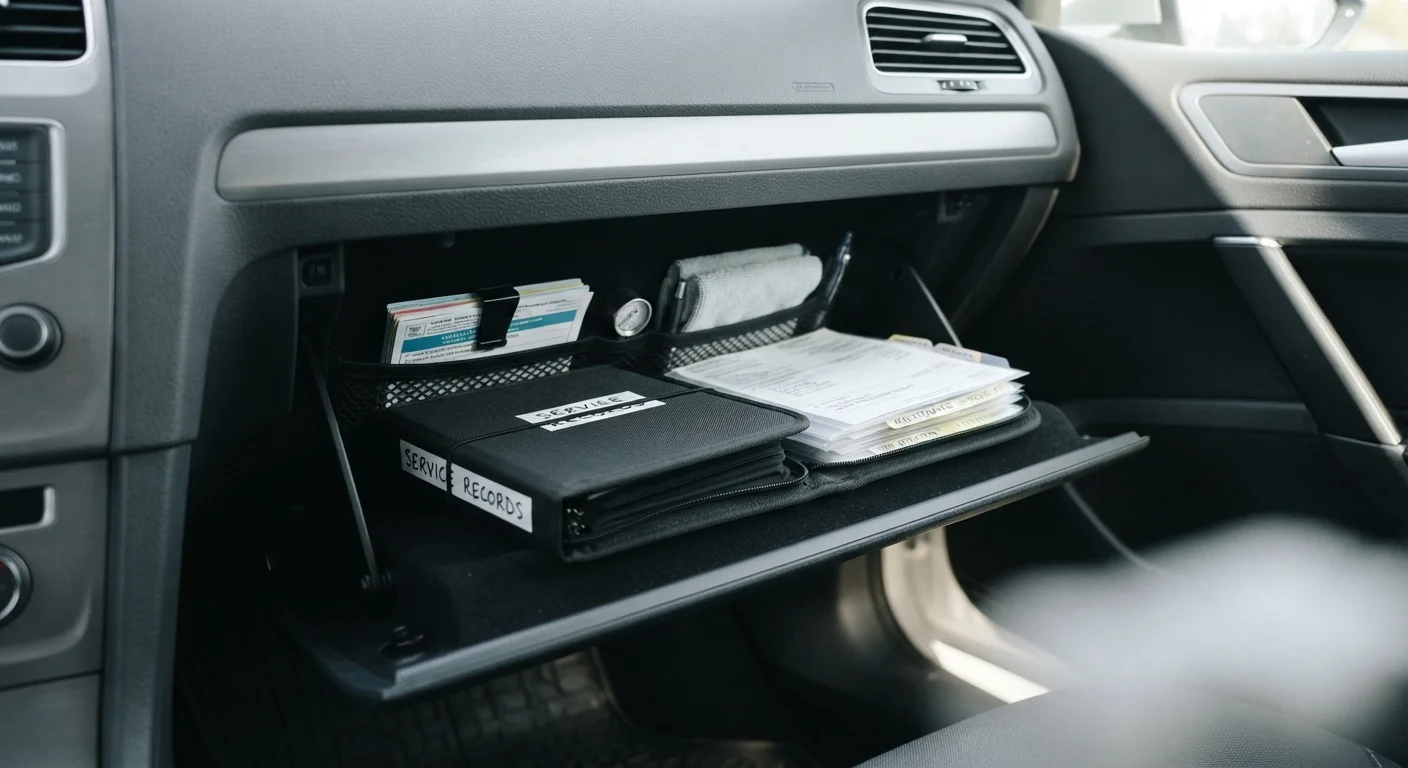
Photo: NemoFinds.com | Search, Explore, Read. editorial
Key Takeaways
- A maintenance log documents every service, repair, and inspection your vehicle receives over its lifetime.
- Complete service records can support a higher resale value and faster mechanic diagnoses.
- Logs can be kept digitally or on paper - consistency matters more than format.
- Recording mileage, date, cost, and work performed for each entry builds a useful history.
- A maintenance log works best alongside your manufacturer's recommended service schedule.
Why a Maintenance Log Is Worth the Effort
Most drivers know they should keep up with oil changes and tire rotations, but far fewer keep a written record of when those services actually happened. That gap matters more than it might seem.
A complete service history gives you - and any mechanic you work with - a clear picture of what has been done, what's due, and what might be causing a problem. When a technician can see that the transmission fluid was last changed 60,000 miles ago, they can make a faster, more accurate diagnosis than if they're starting from scratch. See our guide to getting the most from every service appointment for tips on how to use your records at the shop.
Service history also has real financial implications. A verifiable maintenance log is a recognized selling point when a vehicle changes hands. Buyers and dealers generally view documented records as evidence the car was cared for responsibly. Pair that with a clear understanding of how to keep ownership costs manageable over time, and a log becomes a straightforward investment in the vehicle's long-term value.
Digital Logs Make Sharing Easy
What to Record and How to Stay Consistent
The goal is a running record that any person - not just you - could pick up and understand. Each entry should capture five core pieces of information:
- Date of the service or repair
- Odometer reading at the time
- Work performed (e.g., oil and filter change, brake pad replacement, tire rotation)
- Parts or fluids used, including any specifications noted on receipts
- Cost and service provider, or a note if you performed the work yourself
Stapling or scanning receipts alongside your log entries makes the record even stronger, because receipts often include part numbers, fluid grades, and technician notes that aren't easy to reconstruct later. This level of detail pairs well with following a structured manufacturer maintenance schedule.
For a broader ownership perspective, consider integrating your log into a full-year vehicle ownership checklist that also covers insurance renewals and registration deadlines.
What you will need
Step-by-Step: Starting and Maintaining Your Log
Choose your log format
Decide whether you'll keep a paper log, a digital spreadsheet, or a dedicated app. A simple notebook in the glove compartment works well for drivers who prefer low-tech solutions. Spreadsheet templates are easy to search and copy. App-based logs can send service reminders automatically. Any format works as long as you'll use it consistently.
Record your vehicle's baseline information
At the top of your log, note your vehicle's year, make, model, trim level, VIN (Vehicle Identification Number), and current odometer reading. This baseline makes the log immediately useful to any mechanic or future owner. The VIN is found on your dashboard near the windshield, on your registration, or on your insurance card.
Add all known past service history
Gather any receipts, dealer invoices, or recall notices you have on hand and enter them chronologically. If records are incomplete, note the approximate date or mileage with a notation that it's an estimate. Something is better than nothing - a partial history still helps establish a pattern of care.
Log each new service as it happens
After every oil change, tire rotation, brake inspection, fluid top-up, or repair, add a new entry within a day or two while details are fresh. Include the date, mileage, what was done, who did the work, and what it cost. Attach or file the receipt alongside the entry.
Note upcoming service intervals
Use your log as a forward-looking tool as well. After logging a completed service, note the next recommended interval - for example, "Next oil change: 5,000 miles or 6 months." Cross-reference these intervals against your owner's manual rather than relying on general rules, since manufacturer recommendations vary by vehicle and driving conditions.
This article provides general vehicle ownership information for educational purposes. Always consult your vehicle's owner's manual and a qualified mechanic for guidance specific to your car's make, model, and condition.
The content on this site is for informational purposes only and is not a substitute for professional advice. Always consult a qualified professional for guidance specific to your situation.