
OLED, QLED, and LCD: A Plain-Language Screen Technology Comparison

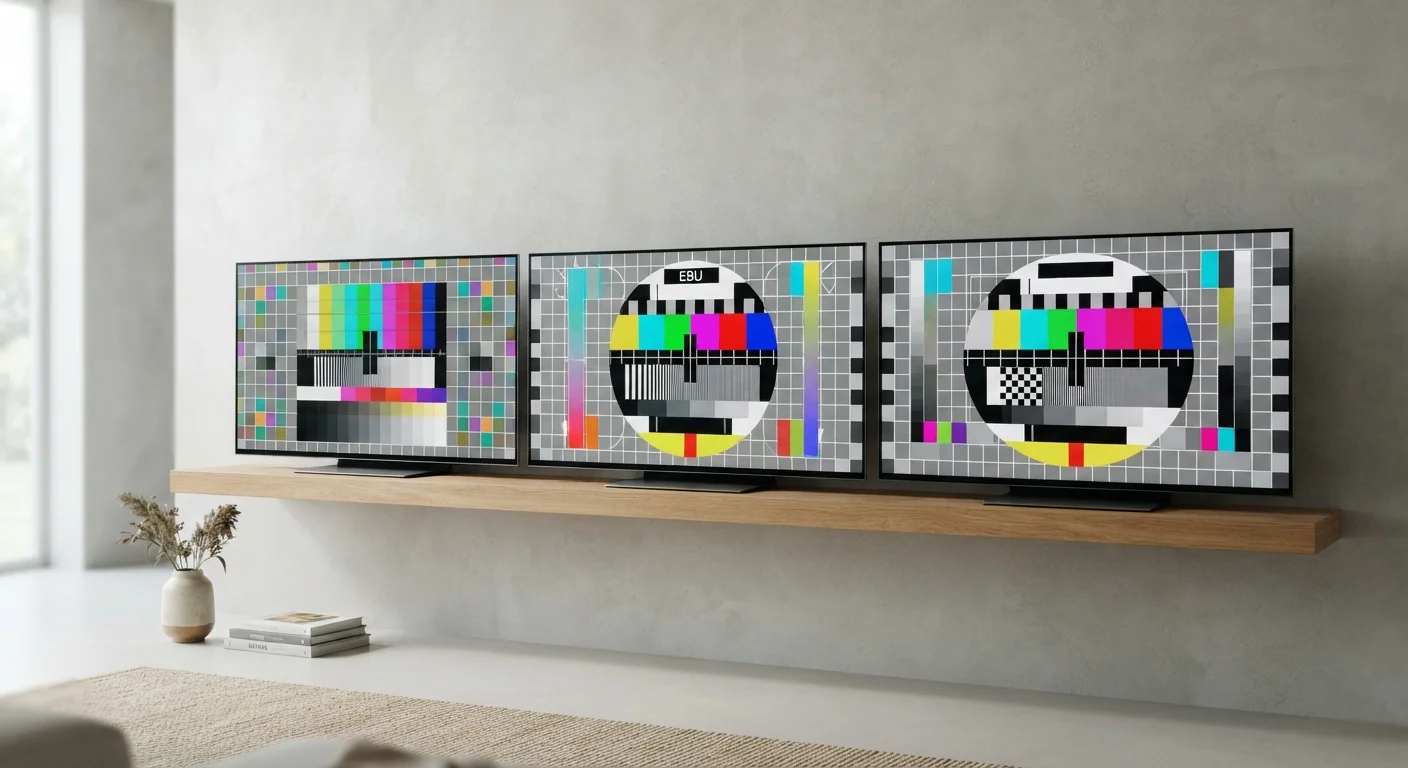
Photo: NemoFinds.com | Search, Explore, Read. editorial
Key Takeaways
- OLED screens turn off individual pixels for true black, giving them the best contrast of the three technologies.
- QLED is a marketing term for LED-backlit LCD panels enhanced with quantum dot filters — not a fundamentally different screen type.
- Standard LCD remains the most widely available and lowest-cost option, with trade-offs in contrast and viewing angles.
- Burn-in risk on OLED is real but overstated for typical TV viewing habits; static on-screen elements pose the greatest risk.
- Room lighting conditions, viewing angle, and content type should guide your technology choice more than specs alone.
How Each Technology Actually Works
Understanding what separates these three display types starts with how they produce light — because that single difference drives most of the real-world performance gaps.
LCD (Liquid Crystal Display) is the foundational technology. A backlight — typically an array of LEDs — shines through a layer of liquid crystals that open or close to control how much light passes through, then through a color filter to produce the image. The backlight runs continuously, which limits how dark the screen can actually get.
QLED stands for Quantum Light-Emitting Diode. Despite the name, it's still an LCD panel at its core — the difference is a layer of quantum dots (microscopic semiconductor particles) placed between the backlight and the liquid crystals. These dots convert backlight energy into more precise wavelengths of color, improving color volume and peak brightness. It is an enhancement of LCD, not a replacement for it.
OLED (Organic Light-Emitting Diode) works on a completely different principle. Each pixel generates its own light individually. When a pixel needs to display black, it simply turns off entirely. There is no backlight. This is why OLED contrast ratios are fundamentally in a different category — a truly dark pixel next to a bright one is physically possible, not just approximated.
For a broader look at how display specs translate to what you see, see our guide to reading a spec sheet without getting lost.
Where Each Technology Performs Well — and Where It Struggles
| LCD | QLED | OLED | |
|---|---|---|---|
| Light source | LED backlight | LED backlight + quantum dots | Self-emitting pixels (no backlight) |
| Black level / contrast | Limited — backlight always on | Improved local dimming helps | True black, outstanding contrast |
| Peak brightness | Moderate | High — suited for bright rooms | Good, but generally lower than QLED |
| Viewing angle | Noticeable shift off-axis | Moderate improvement over LCD | Wide, consistent image quality |
| Burn-in risk | None | None | Low for typical use, real for static images |
| Typical price range | Lowest | Mid to high | High to premium |
| Motion / response time | Adequate for most content | Good | Excellent — near-instant pixel response |
A few real-world performance notes worth highlighting:
- Viewing angle matters more than most shoppers anticipate. LCD panels — including QLED — can show color shift and brightness drop when viewed from the side. OLED panels maintain consistent image quality at wider angles.
- Burn-in is OLED's main vulnerability. Static elements — channel logos, news tickers, gaming HUDs — can gradually leave faint permanent impressions over hundreds of hours of identical use. For typical mixed TV viewing, the risk is low. For a screen used exclusively as a desktop monitor or displaying fixed graphics daily, it warrants consideration.
- Bright room performance tips toward QLED. The quantum dot enhancement allows for higher peak brightness, which competes better against ambient light and makes HDR (High Dynamic Range) content pop more visibly.
- Motion handling favors OLED due to near-instant pixel response. Fast sports and action content can show less blur. For more on how this connects to refresh rate specs, see our explanation of refresh rate vs. response time.
Match the Technology to the Room
What Actually Matters for Your Situation
Specs on paper don't always translate to visible differences in everyday use. A few practical filters help cut through the noise:
~1,000,000:1
Typical OLED contrast ratio
OLED panels can achieve contrast ratios around one million to one because pixels switch fully off, compared to typical LCD ratios in the hundreds or thousands to one.
2,000+ nits
Peak brightness on high-end QLED panels
High-end QLED displays can reach peak brightness levels above 2,000 nits, making them well-suited for HDR content in bright ambient lighting.
Room lighting is arguably the single biggest factor. In a dim or controlled-light room, OLED's contrast advantage is dramatic and immediately visible. In a sunlit living room, that advantage narrows significantly and QLED's brightness headroom becomes more useful.
Screen size affects the calculus too. OLED manufacturing has historically been more constrained at very large sizes, while LCD and QLED panels are broadly available across the full size range. This is a practical purchasing consideration, not just a price one.
Content type is the third variable. Movie and streaming content in a dim room showcases OLED most favorably. Sports and gaming in mixed lighting often suit QLED. A secondary bedroom screen where picture perfection isn't the priority is an entirely reasonable use for standard LCD.
Screen technology is just one variable in display quality. To make sure you're comparing apples to apples, also consider resolution — our screen resolution explainer covers what those numbers genuinely mean for picture quality.
This article is for general informational purposes only. Display technology capabilities vary across specific panels and product generations; consult current technical reviews for up-to-date performance data before making purchasing decisions.
The content on this site is for informational purposes only and is not a substitute for professional advice. Always consult a qualified professional for guidance specific to your situation.