
Screen Resolution Explained: What the Numbers Actually Mean

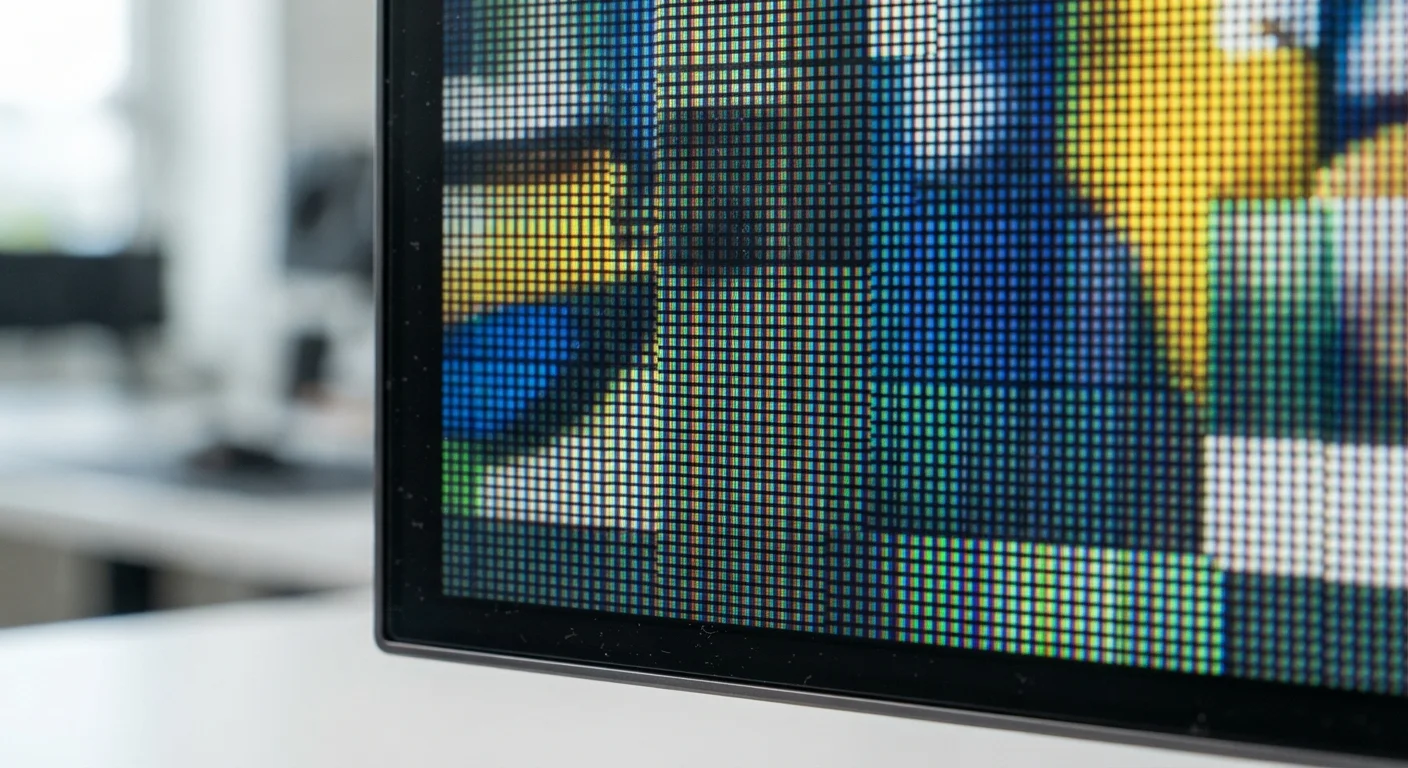
Photo: NemoFinds.com | Search, Explore, Read. editorial
Key Takeaways
- Resolution is a pixel count — width × height — not a measure of screen size.
- Common labels like 1080p and 4K are standardized shorthand for specific resolutions.
- Higher resolution only looks noticeably better if your screen, content source, and viewing distance support it.
- Pixel density (PPI) matters as much as raw resolution, especially on smaller screens like phones.
- Matching resolution to your actual use case avoids paying for detail you can't see.
The Basic Concept: Pixels and Grids
Every digital screen — TV, monitor, phone, tablet — builds its image using a grid of tiny colored dots called pixels. Resolution is simply the count of how many columns and rows of pixels that grid contains, written as width × height.
A screen listed as 1920 × 1080 has 1,920 pixels running horizontally and 1,080 running vertically, totaling just over two million pixels. A 3840 × 2160 screen (4K) packs in roughly eight million. Each pixel can display millions of colors, and together they combine to form the images, text, and video you see.
The more pixels you fit into the same space, the finer the detail. Think of it like the difference between a mosaic made of large tiles versus one made of tiny ones — the smaller the tile, the smoother and more lifelike the picture.
~8M
Pixels in a 4K UHD display
A 3,840 × 2,160 panel contains approximately 8.3 million pixels — four times the pixel count of a Full HD 1080p screen.
400+ PPI
Typical flagship smartphone pixel density
Most premium smartphones pack over 400 pixels per inch, making individual pixels imperceptible to the human eye at normal viewing distances.
1080p
Most common streaming resolution globally
Full HD remains the dominant resolution for online video content, supported across virtually all streaming platforms and connected devices.
Decoding the Labels: HD, Full HD, 4K, and Beyond
Marketing names exist because pixel dimensions are clunky to say out loud. Here's what the common labels actually map to:
- HD (720p): 1,280 × 720 pixels. Common on smaller or older screens. Adequate for screens under 32 inches viewed from a distance.
- Full HD (1080p): 1,920 × 1,080 pixels. The current mainstream standard for TVs, monitors, and streaming. Sharp enough for most uses up to around 55 inches.
- QHD / 2K (1440p): 2,560 × 1,440 pixels. Popular with PC monitors, especially for gaming and creative work. Noticeably sharper than 1080p at close desk distances.
- 4K / UHD: 3,840 × 2,160 pixels. Now standard on mid-range and above TVs. Delivers clear detail on large screens, provided the content source is also 4K.
- 8K: 7,680 × 4,320 pixels. Exists in the market but has minimal native content support. Offers limited real-world benefit for most households.
For a broader reference on display and electronics terminology, our Consumer Electronics Glossary covers over 50 terms in plain language.
Check Your Content Source First
Why Viewing Distance and Screen Size Change Everything
Raw pixel count only tells part of the story. Pixel density — measured in pixels per inch (PPI) — determines whether higher resolution is actually visible to your eyes.
Sit six feet from a 65-inch 4K TV and you'll notice sharper detail than 1080p. Sit the same distance from a 32-inch 4K monitor and the difference shrinks considerably, because the pixels are already too small to distinguish individually at that distance.
On smartphones, this dynamic is even more pronounced. A phone screen might be only 6 inches diagonally but display 1080 × 2400 pixels — producing a PPI above 400. That's why phone text looks so crisp: it's not just about total pixel count, it's about how densely they're packed relative to the screen size.
A useful rule of thumb: the closer you sit to a screen, the more resolution matters. For living-room TVs at normal seating distances, 4K becomes visually meaningful at roughly 50 inches and above. Resolution is just one dimension of display quality — for a look at how screen technology itself affects what you see, our plain-language comparison of OLED, QLED, and LCD is worth reading alongside this.
Resolution in Practice: Matching the Spec to Your Use
Understanding resolution helps you avoid two common mistakes: overpaying for resolution you can't perceive, or under-specifying a screen that leaves visible quality gaps.
For a living-room TV: 4K is now the sensible baseline for screens 50 inches and larger, since 4K streaming content is widely available. For a small bedroom set under 40 inches viewed from across the room, 1080p is often sufficient.
For a desktop monitor: At typical desk distances (around 2 feet), 1440p (QHD) often delivers a more noticeable sharpness improvement over 1080p than jumping to 4K would, and at lower hardware cost. Designers and photo editors working with fine detail may benefit from 4K at desk range.
For a laptop or phone: Manufacturers already target appropriate pixel density for screen size — a 1080p 15-inch laptop screen and a 1440p 6-inch phone can both look excellent because PPI is matched to typical use distance.
Also keep in mind that resolution affects the hardware demands on your computer or streaming device. Higher resolution requires more processing power to render — particularly relevant for PC gaming. Understanding how your display connects to those devices is equally important; our guide to display ports and cables explains which connections support which resolutions.
“Resolution is a useful shorthand, but it's only one variable. What you actually see depends on screen size, viewing distance, content quality, and the underlying display technology all working together.”
— Display Technology Editorial Team, Consumer electronics education resource
Frequently Asked Questions
The content on this site is for informational purposes only and is not a substitute for professional advice. Always consult a qualified professional for guidance specific to your situation.