
The Consumer Electronics Glossary: 50 Terms Worth Knowing

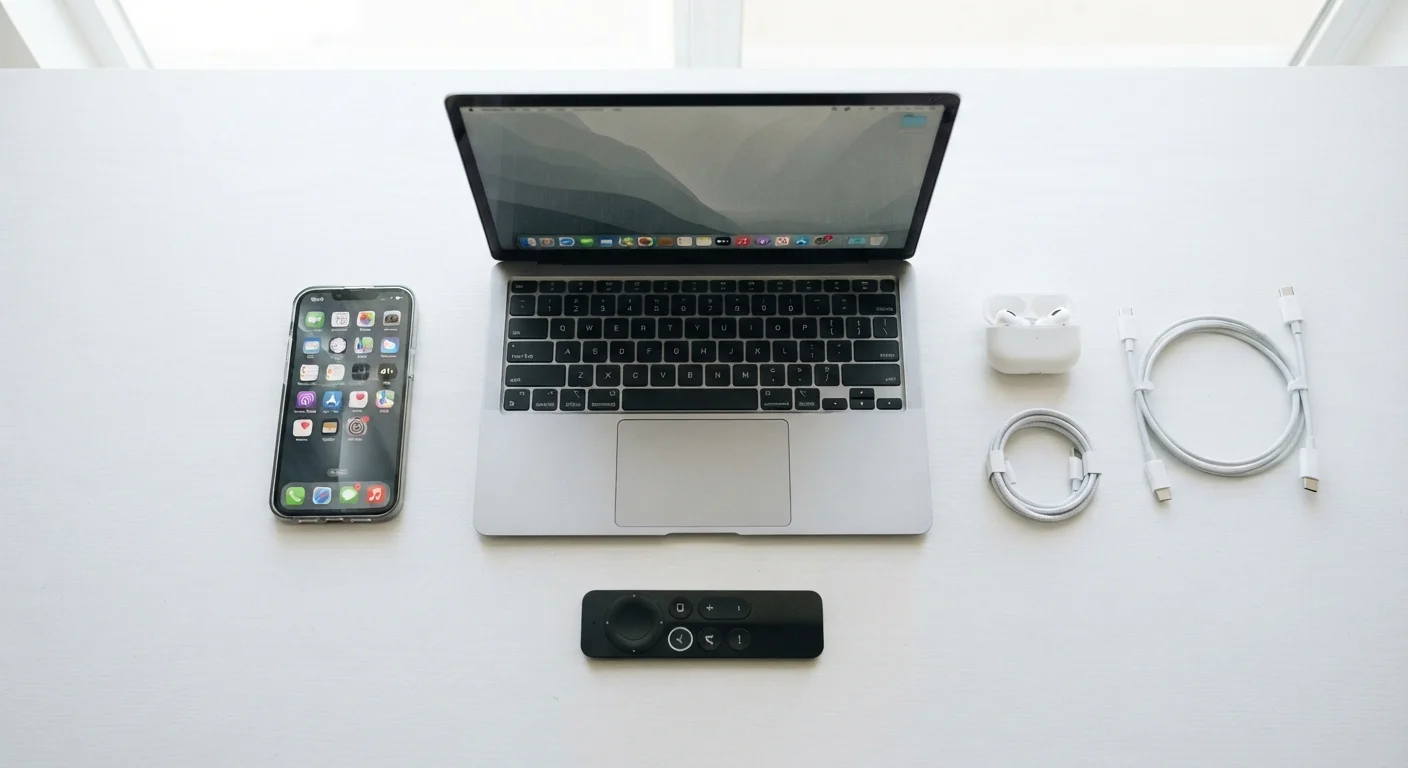
Photo: NemoFinds.com | Search, Explore, Read. editorial
Why a Glossary Matters for Electronics Shoppers
Spec sheets, product listings, and sales staff throw around acronyms and technical terms that can feel deliberately intimidating. They are not — most concepts are straightforward once someone explains them plainly. This glossary covers 50 of the most common consumer electronics terms, organized thematically so you can look up one term and immediately understand the terms around it.
If you want broader context beyond definitions, the Complete Orientation for Non-Tech People covers how modern devices work, connect, and age. For help decoding specific product listings, see Reading a Spec Sheet Without Getting Lost in the Jargon.
Resolution
The total number of pixels displayed on a screen, stated as width × height. Higher resolution produces finer detail, especially noticeable on larger screens viewed at close range.
RAM
Random Access Memory — the short-term working memory a device uses for active tasks. Insufficient RAM causes slowdowns when multiple apps run simultaneously.
Latency
The time delay between an action (like pressing a key or clicking) and the device's response. Lower latency is preferable for gaming, real-time audio, and video calls.
HDR
High Dynamic Range — a display standard that expands the range of brightness and color a screen can show, producing more realistic highlights and shadow detail.
IP Rating
Ingress Protection rating — a standardized two-digit code that specifies a device's resistance to dust (first digit) and water (second digit). For example, IP68 indicates full dust resistance and deeper water submersion tolerance.
Codec
Short for coder-decoder — software that compresses and decompresses audio or video data for storage or transmission. In wireless audio, the codec affects sound quality and synchronization.
Refresh Rate
The number of times per second a display updates its image, measured in Hz. Higher refresh rates produce smoother motion and are especially valued for gaming and video.
Throughput
The real-world data transfer speed a connection achieves under actual conditions, which is typically lower than the theoretical maximum speed cited in specifications.
Display & Screen Terms
Screen terminology is where marketing language gets especially dense. Understanding these terms helps you compare panels on their actual merits rather than brand buzzwords.
| Standard HD Resolution | 1920 × 1080 pixels (1080p) |
| 4K Resolution | 3840 × 2160 pixels |
| Typical indoor screen brightness | 250–500 nits |
| Standard refresh rate | 60 Hz |
| Human hearing range | Approx. 20 Hz – 20,000 Hz |
| Wi-Fi 6 max theoretical speed | Up to 9.6 Gbps (IEEE 802.11ax standard) |
- Resolution — The number of pixels on a screen, expressed as width × height (e.g., 1920×1080). More pixels generally means a sharper image, especially on larger screens.
- Refresh Rate (Hz) — How many times per second the screen redraws its image. 60 Hz is standard; 120 Hz or higher feels noticeably smoother for fast motion and gaming.
- HDR (High Dynamic Range) — A display capability that reproduces a wider range of brightness levels, making highlights brighter and shadows deeper than standard displays.
- Nits — The unit of screen brightness. A screen rated at 500 nits is clearly visible indoors; 1,000+ nits is useful in bright sunlight.
- Color Gamut — The range of colors a screen can display. Common standards include sRGB (web/everyday use) and DCI-P3 (cinema and professional content).
- Panel Type (IPS, VA, TN) — The underlying LCD technology. IPS panels offer accurate colors and wide viewing angles; VA panels produce deeper blacks; TN panels prioritize fast response times.
For a deeper look at OLED, QLED, and LCD technologies specifically, see OLED, QLED, and LCD: A Plain-Language Screen Technology Comparison.
Performance & Processing Terms
These terms describe how fast a device thinks, stores data, and handles multiple tasks at once. They are the figures that most directly affect day-to-day usability.
- CPU (Central Processing Unit) — The primary chip that executes instructions. Often called the processor; faster CPUs handle more complex tasks more quickly.
- GPU (Graphics Processing Unit) — A chip specialized for rendering images and video. Matters most for gaming, video editing, and design work.
- RAM (Random Access Memory) — Short-term memory a device uses for tasks currently running. More RAM lets you run more applications simultaneously without slowdown.
- Storage (SSD vs. HDD) — Where data lives long-term. SSDs (solid-state drives) are significantly faster and more durable than HDDs (hard-disk drives) but have historically cost more per gigabyte.
- Clock Speed (GHz) — How many processing cycles a chip completes per second. Higher numbers indicate faster raw processing within the same chip family.
- Cores — Individual processing units within a CPU. More cores allow a chip to handle multiple tasks in parallel, which benefits multitasking and demanding software.
- Latency — The delay between an input and a response. Low latency is critical for gaming, video calls, and audio production.
- Cache — A small, extremely fast memory pool built into the processor used to store frequently accessed data, reducing the time needed to retrieve it.
Connectivity & Ports
Connectivity terms describe how devices talk to each other — wired or wirelessly. Getting these right prevents frustrating compatibility surprises.
Same Port, Different Speeds — Watch the Fine Print
- HDMI — The standard wired connection for transmitting video and audio between devices (TVs, monitors, streaming sticks). HDMI 2.1 supports higher resolutions and refresh rates than earlier versions.
- USB-C — A small, reversible connector used for data transfer, video output, and charging. The same physical port can serve different speeds and functions depending on the device's internal specifications.
- Thunderbolt — A high-speed connection standard developed by Intel, physically compatible with USB-C but capable of significantly faster data transfer and daisy-chaining multiple devices.
- Bluetooth — A short-range wireless standard for connecting peripherals (headphones, keyboards, speakers) to a host device without cables.
- Wi-Fi Standards (Wi-Fi 5, Wi-Fi 6, Wi-Fi 6E) — Successive generations of the wireless networking standard. Newer generations offer faster theoretical speeds and handle congested environments better.
- Ethernet — A wired network connection. Generally more stable and faster than Wi-Fi for stationary devices.
- DisplayPort — A video-output connector common on monitors and PCs, often supporting higher refresh rates and resolutions than equivalent HDMI versions.
- NFC (Near Field Communication) — A very short-range wireless technology used for contactless payments, quick device pairing, and data transfer by tapping devices together.
Audio, Battery & General Terms
These terms span the remaining spec-sheet categories you will regularly encounter across headphones, speakers, laptops, and phones.
- Impedance (Ohms) — A measure of electrical resistance in headphones. Higher impedance headphones typically require a dedicated amplifier to reach full volume.
- Frequency Response — The range of audio frequencies a speaker or headphone can reproduce, measured in Hz. Human hearing spans roughly 20 Hz to 20,000 Hz.
- ANC (Active Noise Cancellation) — Technology that uses microphones to detect ambient noise and generates an opposing sound wave to reduce it, distinct from passive noise isolation (physical blocking).
- Codec (Audio) — The format used to compress and transmit wireless audio. Common Bluetooth codecs include SBC (standard), AAC (common on Apple devices), and aptX (higher-quality Android option).
- mAh (Milliampere-hour) — A unit measuring battery capacity. A higher mAh rating means more stored energy, though actual battery life also depends heavily on software and hardware efficiency.
- Watt-hour (Wh) — An alternative battery capacity unit that accounts for voltage, making it more accurate for cross-device comparisons than mAh alone.
- IP Rating — A two-digit code indicating dust and water resistance (e.g., IP67: dust-tight and submersible to 1 meter for 30 minutes). The first digit covers dust; the second covers water.
- OTA Update (Over-the-Air) — A software update delivered wirelessly to a device without requiring a cable connection to a computer.
- Firmware — Low-level software embedded in hardware that controls how a device's components operate, distinct from the operating system and apps.
- Throughput — The actual data transfer speed achieved in real conditions, as opposed to theoretical maximum speeds listed in specs.
Building fluency with these terms works across many types of decisions. The same habit of reading definitions carefully applies whether you're reviewing insurance policy language — see Key Terms Every Health Insurance Cardholder Should Know — or parsing a personal finance document.
The content on this site is for informational purposes only and is not a substitute for professional advice. Always consult a qualified professional for guidance specific to your situation.