
Consumer Electronics From Scratch: A Complete Orientation for Non-Tech People

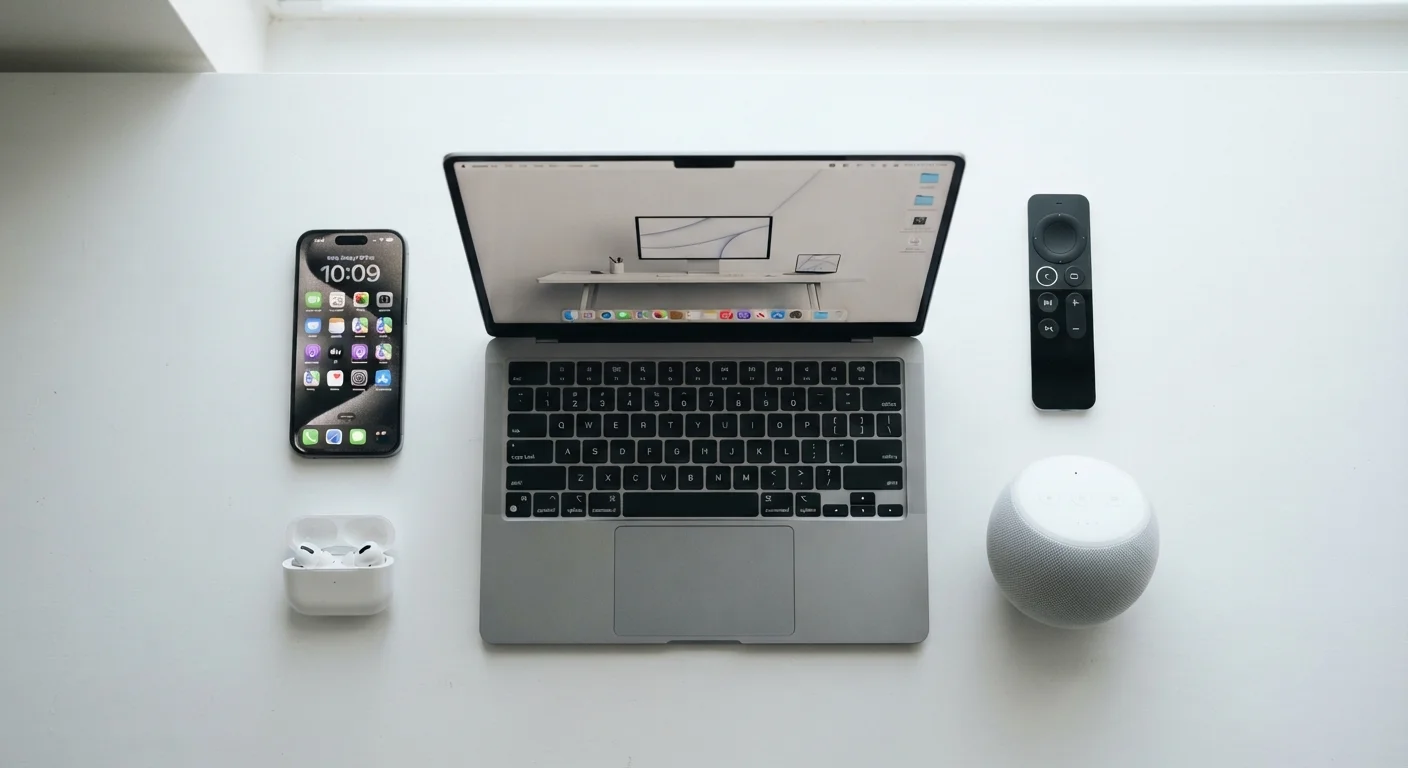
Photo: NemoFinds.com | Search, Explore, Read. editorial
Key Takeaways
- Most electronics share the same core components — processor, memory, storage, and connectivity.
- Spec sheet numbers only matter in context; bigger isn't always better for your actual use case.
- How devices connect matters as much as what they can do independently.
- All electronics degrade over time; understanding why helps you plan smarter.
- You don't need technical expertise to make sound electronics decisions — you need the right questions.
What Consumer Electronics Actually Are
Consumer electronics is a broad category covering any electronic device designed for everyday personal or household use — smartphones, TVs, laptops, wireless speakers, smart home gadgets, digital cameras, and more. Despite their differences, nearly all of them share the same fundamental architecture: they take some kind of input (a tap, a voice command, a video signal), process it, and produce an output (a sound, an image, a saved file).
Understanding that shared structure is what makes tech less intimidating. Once you know what a processor does in a phone, you understand what it does in a laptop. Once you understand why storage matters in one device, you understand it in all of them. The Consumer Electronics Glossary is a useful companion if you encounter unfamiliar terms while reading this guide.
How Devices Process and Store Information
Two components determine how fast and capable a device feels: the processor (also called a CPU or chip) and RAM (random-access memory). The processor handles the actual computing — running apps, rendering images, responding to your input. RAM is short-term working memory; it holds whatever the device is actively doing right now. More RAM generally means you can run more things at once without slowdown, but the processor quality matters just as much as quantity.
Storage is separate — it's where your photos, apps, music, and files live permanently. Older devices used spinning hard drives (HDDs); most modern consumer electronics use flash-based storage (SSD or eMMC), which is faster and has no moving parts. Cloud storage — keeping files on remote servers you access via the internet — is now common alongside local storage.
Match Specs to Your Real Habits
When evaluating any device, think about how you actually use it. A device with a modest processor but ample storage may serve a light user better than one with a powerful chip and limited space.
How Devices Connect to Each Other and the Internet
Connectivity is often overlooked but shapes daily experience more than raw specs. Most devices connect in two ways: wired (USB, HDMI, Ethernet) or wireless (Wi-Fi, Bluetooth, cellular).
- Wi-Fi connects devices to your home router and the internet. Wi-Fi standards (like Wi-Fi 5 or Wi-Fi 6) affect speed and range — newer standards handle more devices simultaneously with less interference.
- Bluetooth is short-range wireless, used for connecting peripherals like headphones, keyboards, and speakers to a host device. Bluetooth versions affect range and audio quality.
- USB ports transfer data and power. USB-C is the current standard on most modern devices; older USB-A ports are still common. The port shape tells you little — the version (USB 3.2, Thunderbolt 4) tells you the actual speed.
Connectivity Compatibility Matters
When multiple devices need to work together — a phone, a smart TV, a streaming stick — their ability to share the same network or protocol matters more than any individual device's specs.
Displays, Audio, and Output: What the Numbers Mean
Display specs are among the most marketed figures in electronics, and among the most misunderstood. Resolution (like 1080p or 4K) describes how many pixels make up the image — higher resolution means more detail, but only matters at viewing distances where you can actually perceive the difference. Refresh rate (measured in Hz) describes how many times per second the screen updates — 60Hz is standard; 120Hz produces smoother motion, which is noticeable in gaming and video.
Screen technology — LCD, OLED, QLED — affects contrast, color accuracy, and power consumption in ways resolution figures don't capture. The plain-language screen technology comparison breaks down what each type actually delivers.
For audio, specs like frequency response and driver size give a rough picture, but listening environment and use case matter more. Headphones rated for wide frequency ranges don't automatically sound better in a loud commute.
~80%
Battery capacity retained after 500 charge cycles
This is a broadly cited benchmark for lithium-ion batteries used in smartphones and laptops, though actual results vary by device and charging habits.
120Hz
Refresh rate where motion smoothness is clearly perceptible
Display industry research consistently shows that most users perceive a meaningful difference between 60Hz and 120Hz in everyday scrolling and video use.
3–5 years
Typical software support window for consumer devices
Most major device manufacturers provide security and OS updates for roughly this range before a device is considered end-of-life.
How Electronics Age and What That Means for You
All consumer electronics degrade over time in predictable ways. Batteries lose capacity with every charge cycle — this is chemistry, not a defect. Lithium-ion batteries (used in nearly every portable device) typically retain around 80% of their original capacity after 500 full charge cycles, though real-world results vary. Software support ends eventually; once a manufacturer stops releasing security updates for a device, it becomes increasingly risky to use for sensitive tasks like banking.
Physical wear — port degradation, screen burn-in on OLED displays, fan dust buildup in laptops — is manageable with basic care. What's harder to avoid is performance obsolescence: apps and operating systems grow more demanding over time, and older hardware struggles to keep pace.
Don't Ignore Software End-of-Life Dates
The electronics myths that keep costing people money article addresses misconceptions about aging that lead to poor care habits — including the widespread belief that overnight charging damages batteries on modern devices.
Making Confident Decisions Without Being a Tech Expert
The goal isn't to become a technologist — it's to ask better questions. Before evaluating any device, define your actual use case: what will you do with it most, where will you use it, and what does it need to connect to? Specs only matter in relation to those answers.
Learning to read a spec sheet critically is a practical skill. The guide to reading spec sheets shows which figures to focus on and which are marketing padding. Before setting up anything new, the setup checklist for new devices walks through security, updates, and account configuration steps that most people skip.
When comparing devices, ignore the headline spec and look at the combination: a fast processor paired with minimal RAM or slow storage will feel sluggish in daily use.
Ask what software updates are still being issued for a device before you commit, not just after. A device near end-of-life support is a hidden cost.
Tech decisions, like financial or health decisions, benefit from slowing down. The devices that serve people best are usually the ones that fit a clear, considered need — not the ones with the longest spec list.
The content on this site is for informational purposes only and is not a substitute for professional advice. Always consult a qualified professional for guidance specific to your situation.